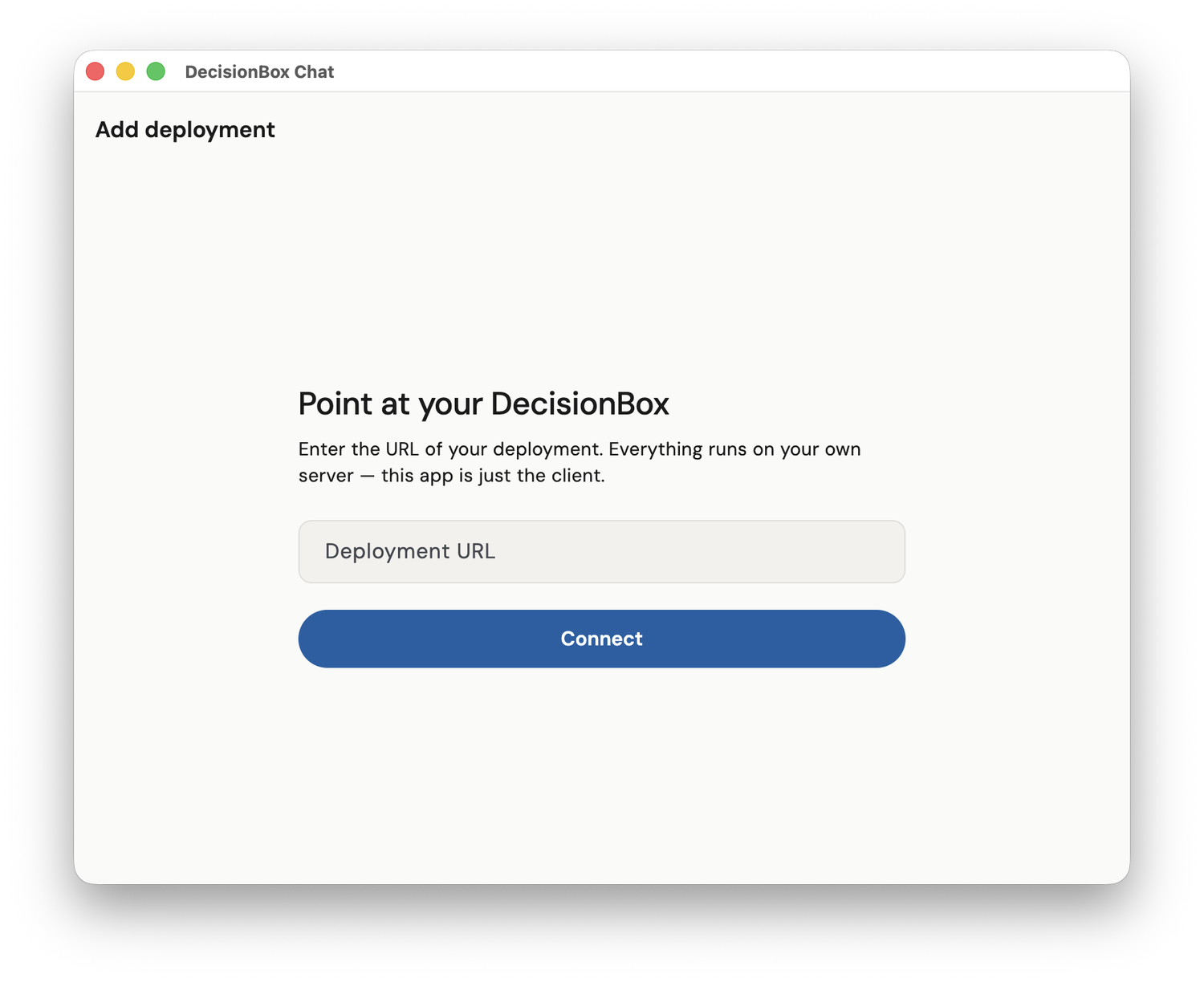
Your data agent,
wherever you are.
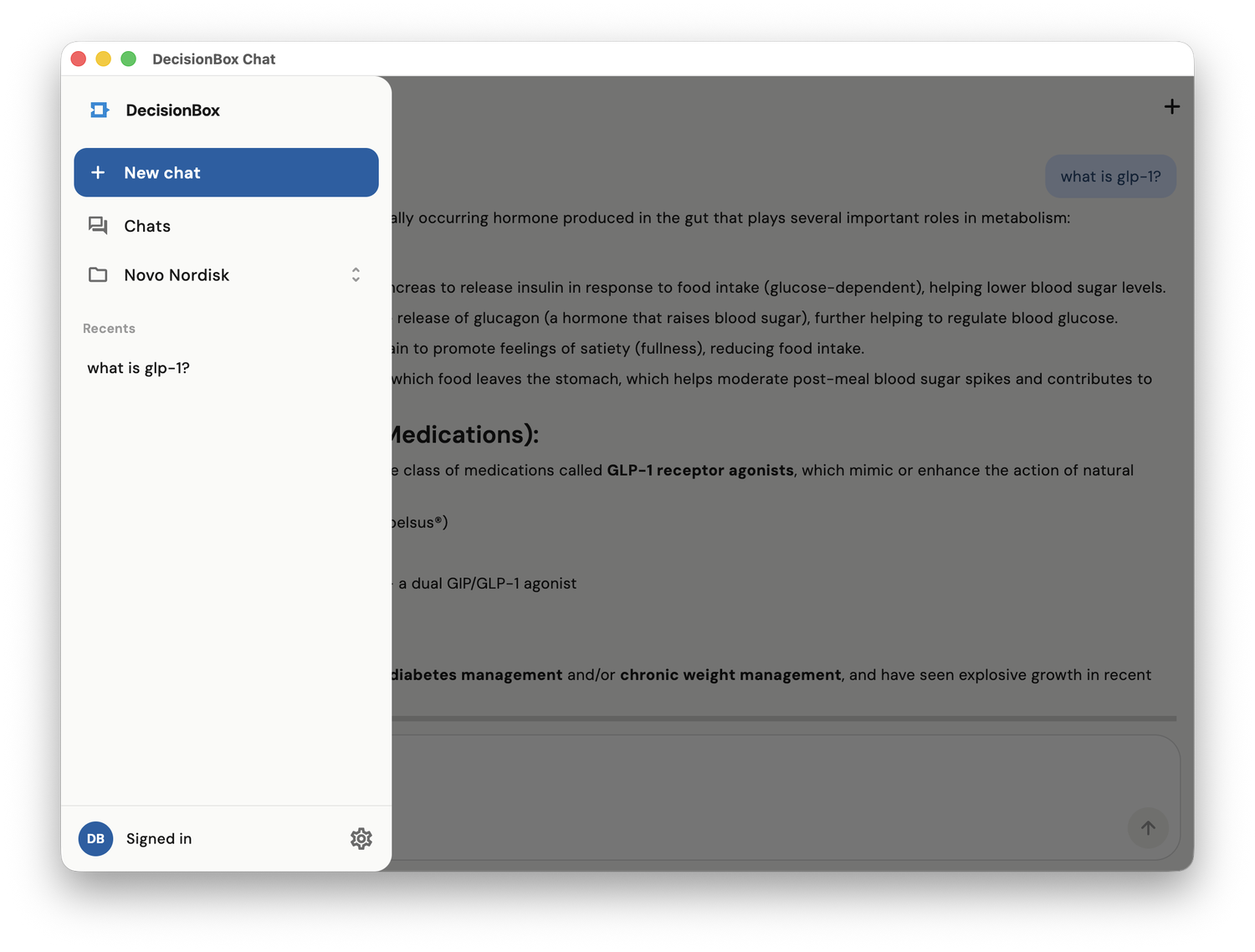
Chat with DecisionBox from your phone or desktop. Ask a question on the way to a meeting, get a push the moment a run finishes, and read the answer without opening the dashboard — signed in through your own SSO.
Phone and desktop, the same chat
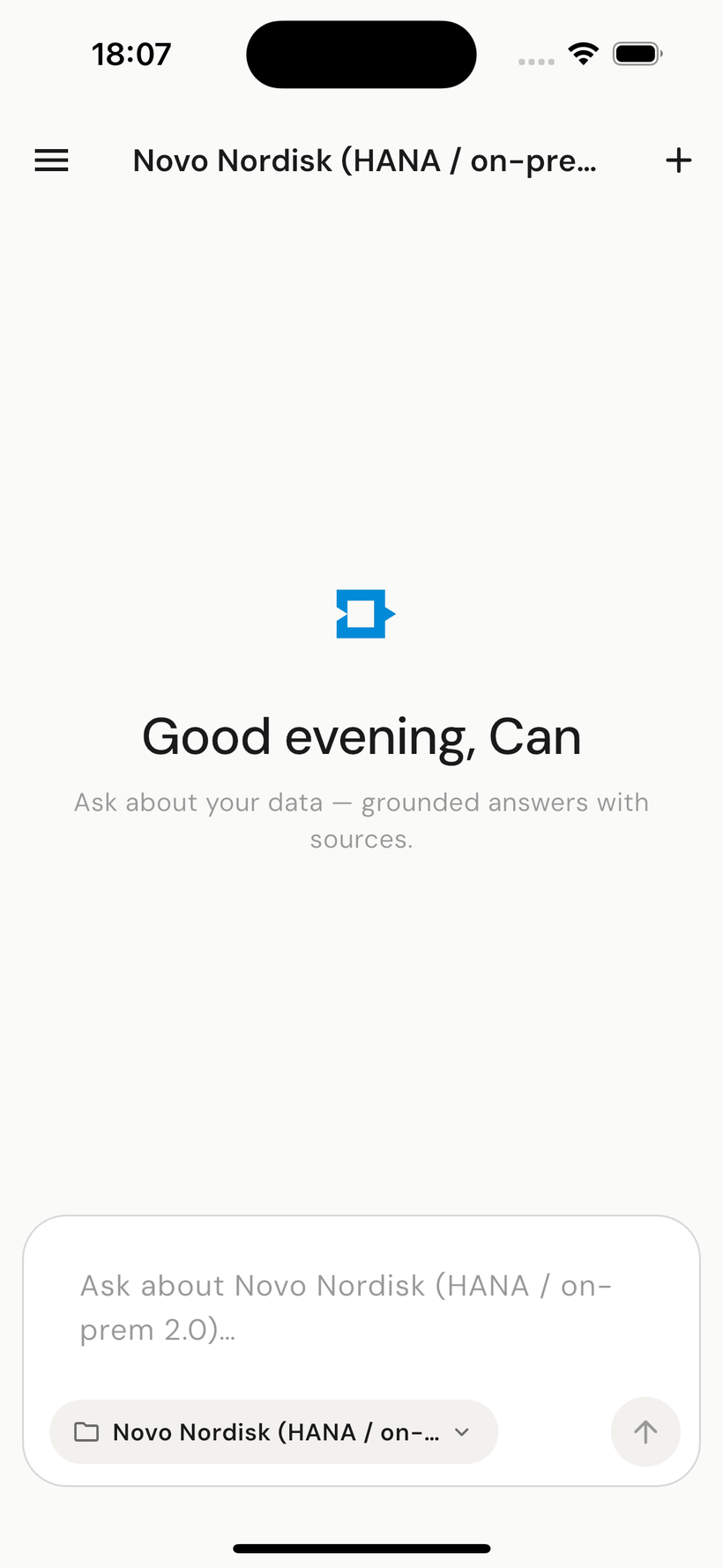
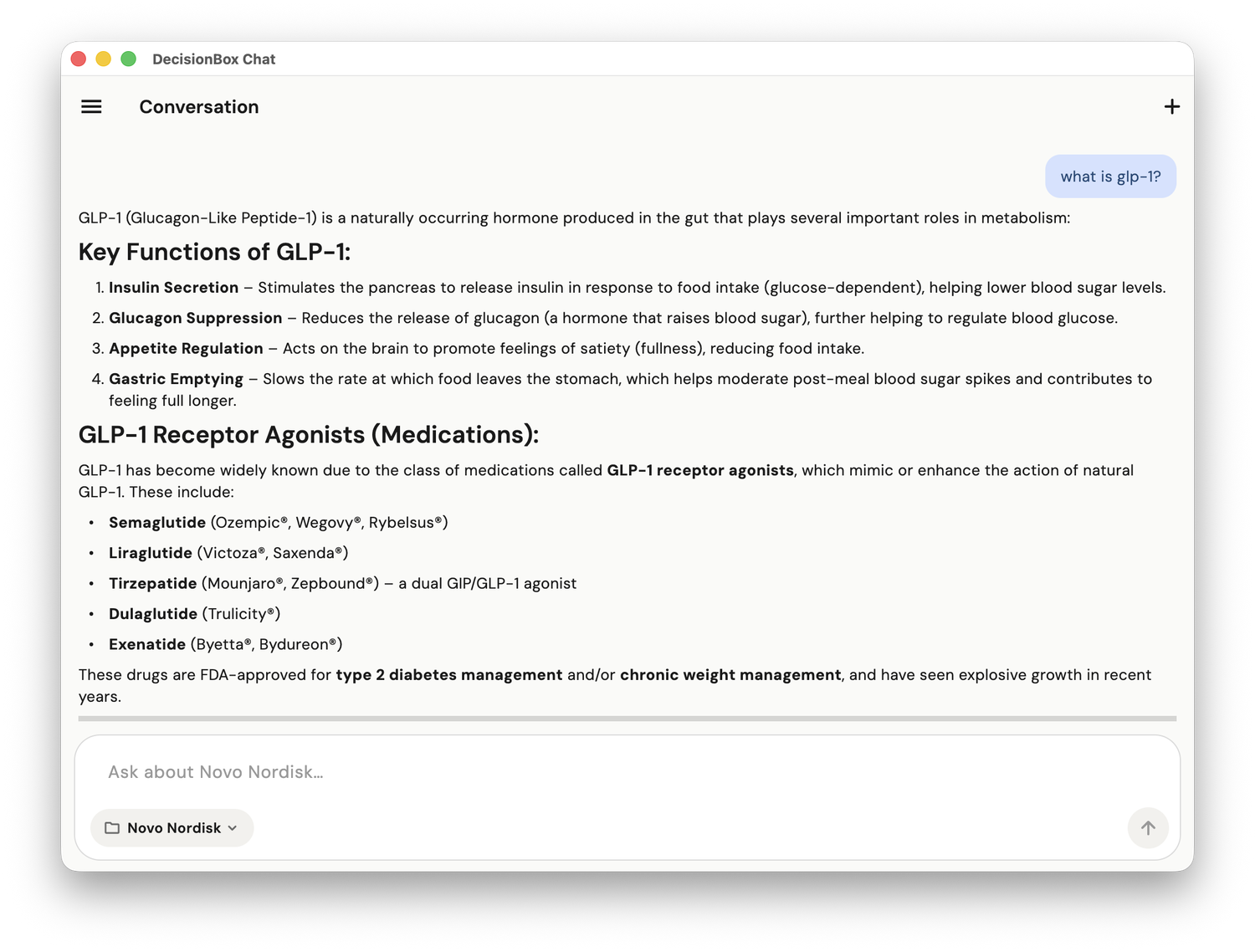
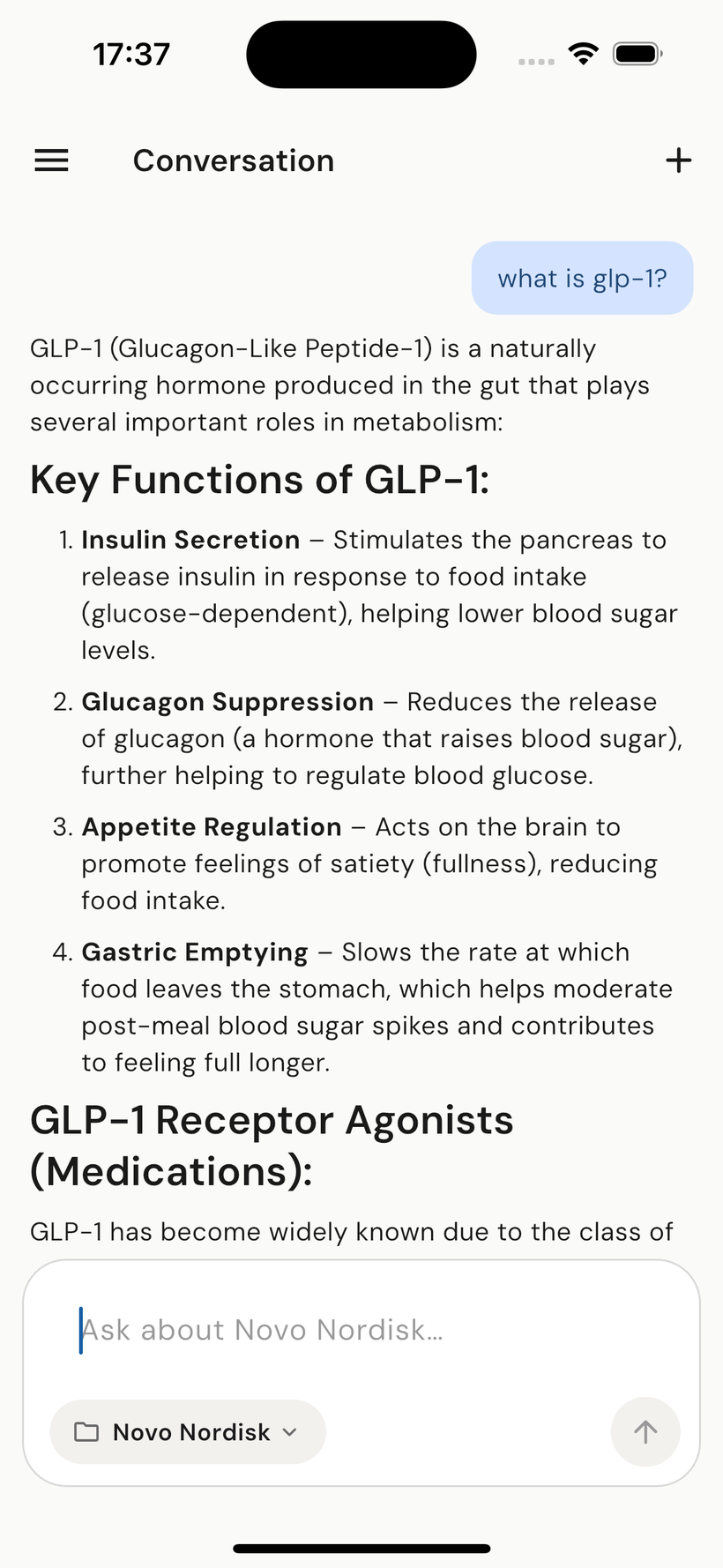
The DecisionBox app on iOS and desktop — the same agentic Ask, the same grounded answers with sources, on whatever screen is in front of you.
Built for answers on the move
The same agentic Ask
Ask a question, watch the agent reason and run read-only SQL, and get the answer — the full Data Q&A experience, in your pocket.
Push notifications
A discovery run finishes or a critical insight lands — you know right away, without opening a laptop.
Desktop app too
A native desktop client for when you're at your machine — the same chat, the same findings, a window of its own.
Signs in with your SSO
The mobile and desktop apps authenticate through the same enterprise identity provider as the dashboard — no separate password.
Point at your own DecisionBox
Everything runs on your own server — the app is just the client. Enter your deployment URL, sign in through your SSO, and you're in. It's the same service layer as the dashboard (same agentic Ask, same governance, same audit trail), with no copy of your data living on the device.