The result lands in the inbox,
not just the dashboard.
Not everyone lives in the dashboard. DecisionBox emails discovery results the moment a run finishes — completed or failed — plus a plain-language executive summary for leadership. Send through your own SMTP server or Amazon SES, routed per project and per category.
Two emails your team actually opens
The scheduled run finished successfully. 14 validated insights across 6 analysis areas, 3 flagged critical. Top signal: same-day churn on annual plans up 6.2 pts quarter over quarter.
A plain-language digest of what discovery surfaced this week across your projects — written for people who do not open the dashboard daily.
Left: a discovery-completed alert sent to the project's analysts. Right: the weekly executive summary, written in plain language for leadership.
Send it your way, through your own mail path
Your SMTP server
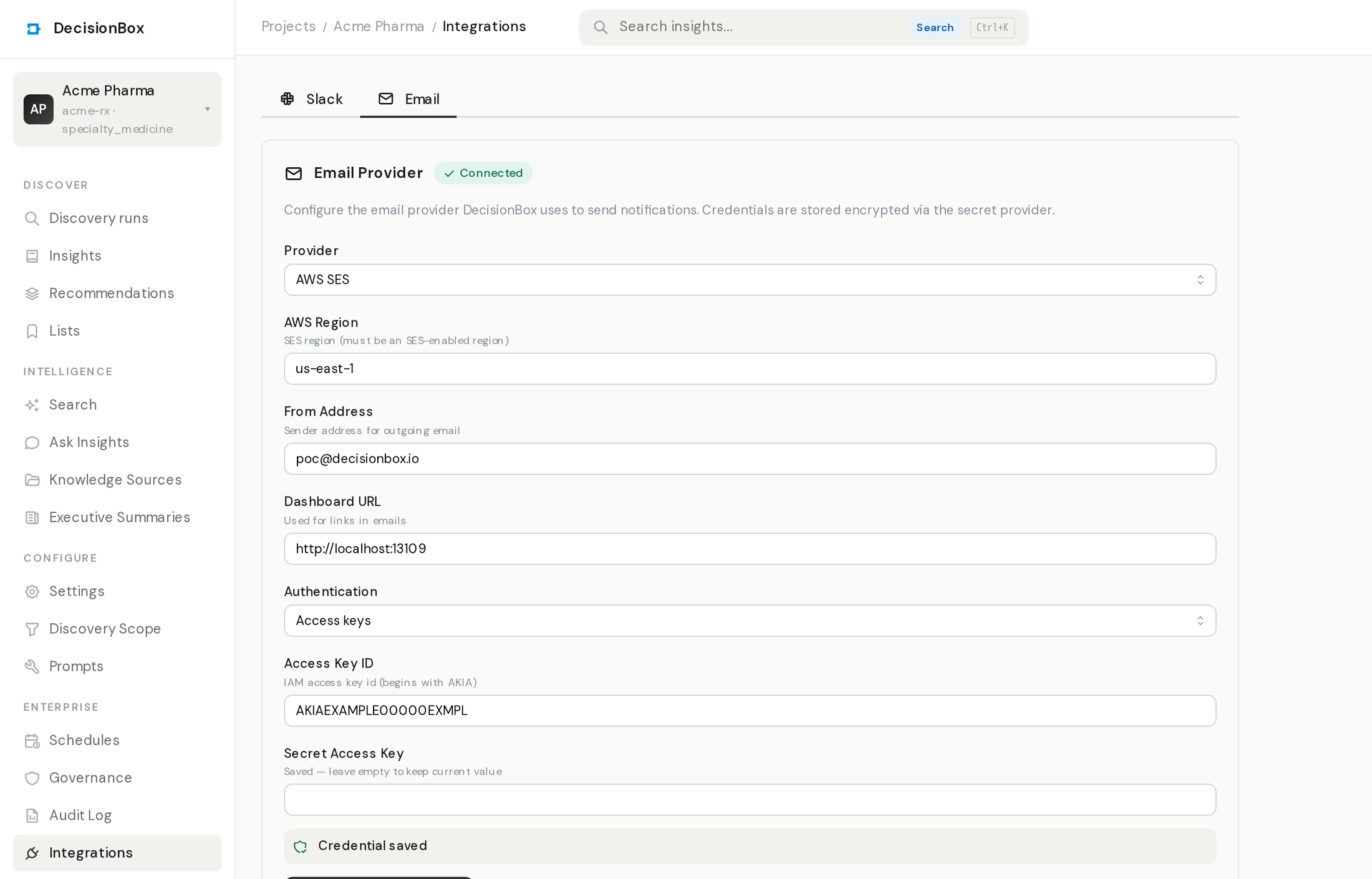
Point DecisionBox at any SMTP relay — Postfix, Google Workspace, Microsoft 365, or your transactional provider. Host, port, credentials, and TLS are yours to set.
Amazon SES
Native AWS SES support with your own region and IAM identity. High-deliverability sending without standing up a mail server.
Test-send, then trust it
Send a test email straight from the settings page before you save. You see it land in the inbox — no guessing whether the config is right.
The right people, not everyone
Per-project recipients
Each project routes to its own distribution list. The retention team hears about the retention project; nobody drowns in runs they do not own.
Per-category rules
Split recipients by event — discovery completed, discovery failed, and the executive summary each go to the people who care about that signal.
Same access model
Recipient management runs through the same roles and audit trail as everything else. Who can change a distribution list is a governed action, logged.
One notification layer, every channel.
Email runs on the same notification layer as the Slack integration — the same events (discovery completed, discovery failed, executive summary), the same per-project routing, the same audit trail. Configure SMTP or SES once, pick who hears what, send a test, and every future run reaches the inbox automatically.