For Sales & RevOpsThe 1% who close.
The 1% who close.
The 99% who don't.
CRM and product usage land in the same warehouse. Nobody has time to cross them every week. DecisionBox finds the signals that separate the agents who close from the ones who don't — and tells you which lever to pull, by name.
CRITICALTool-combination effect
168 agents (1.6% of the base) using all three engagement tools produce 90% of seller contracts — 851× the rate of disengaged agents
851× contract rate · 179 of 199 contracts from 168 agents
Real-estate CRM · 10,375 agents
What it answers
Five questions your pipeline dashboard doesn't
01
Which combinations of CRM tools — not any single tool — predict that an agent actually closes?
Each tool cut in isolation. The combination is never the cut. Findings surface interaction effects your dashboards smooth over.
02
Of the leads we assign each month, what share ever receives a single outreach touch?
We measure activity; we never measure silence. The agent counts the non-events against every assigned lead.
03
When agents miss SLA, is it scattered across the team or clustered in predictable people, offices, or lead sources?
SLA compliance cut by office × source × stage — the kind of three-way slice nobody has time to render.
04
Are our notification channels actually reaching the people we think they are?
Read-rate gap between time-sensitive and assignment notifications is invisible on any CRM dashboard. Same app, different intent.
05
Between two markets with identical product and packaging, what explains a 15× gap in contract rate?
Process, tooling, staffing, cadence — our aggregate dashboards blend them into one number. The agent breaks the number apart.
From real runs
From a pattern to a playbook
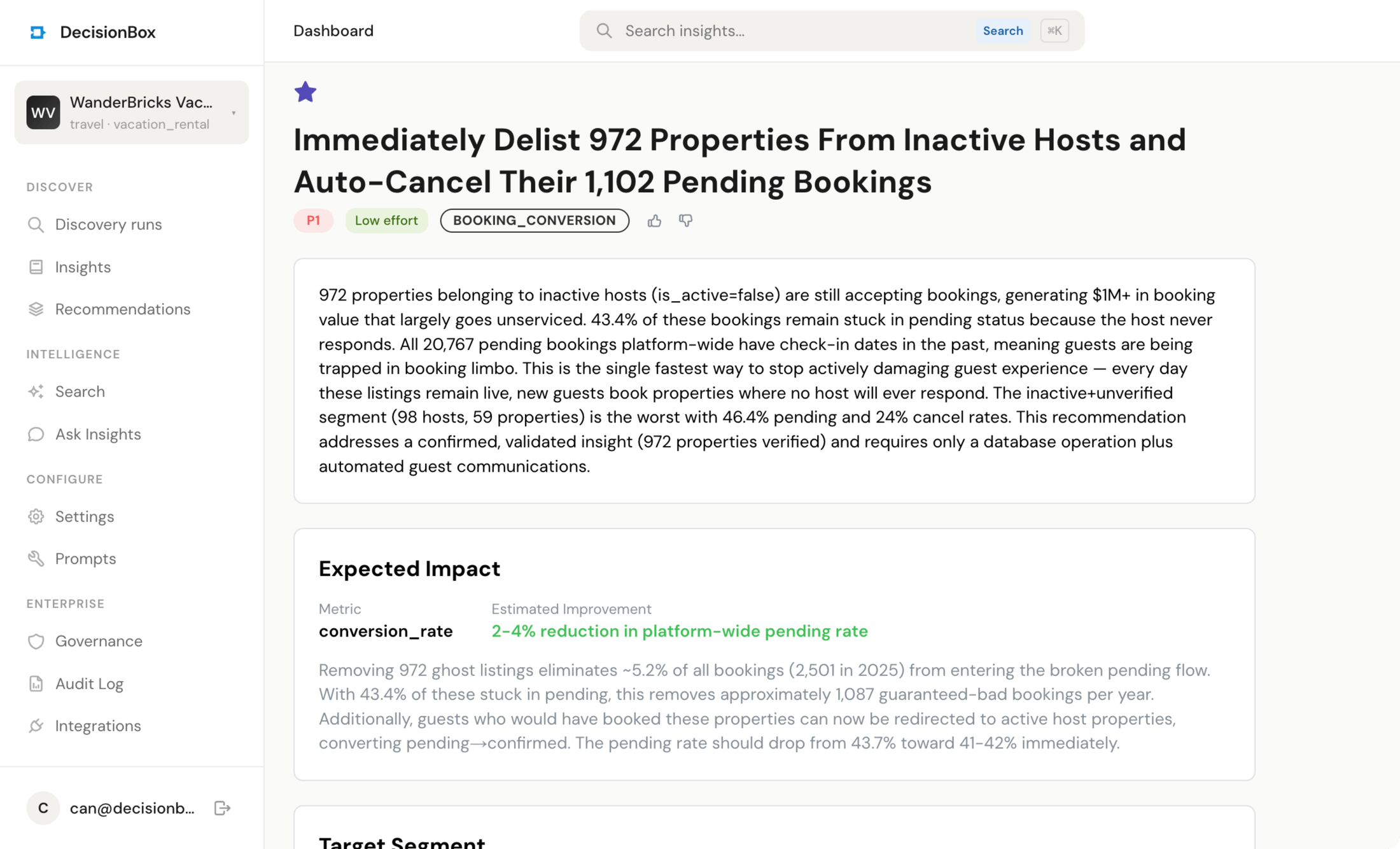
Every finding the agent produces comes paired with a recommendation — a target segment, an expected impact, a concrete set of actions. Three real pairs below, pinned as the agent surfaced them.
HIGHActivity threshold
79% of agents make zero calls in 90 days. The 50+ call cohort hits a 606× higher contact rate
606× gap · zero-call vs active
Real-estate CRM · 8,246 zero-call agents
redirect the pipe →
P1Recommendation
Lead routing
Stop assigning leads to inactive agents — redirect 272K monthly leads from 4,812 zero-activity agents to the ones who work them
Expected impact
+300–500% conversion on redirected leads
Target: 4,812 zero-activity agents5 concrete actions
HIGHNotification design
90.7% of lead-assignment notifications go unread. Time-sensitive reminders — call-back, upcoming call — read at 40–44%. Same agents, same app, different intent
9.3% read rate · 764K notifications sent
Real-estate CRM · 8,583 agents
P1 · one-week fix
P1Recommendation
Channel switch
Replace in-app lead-assignment notifications with push / SMS
Expected impact
50–70% faster median response
Target: 8,583 agents5 concrete actions
HIGHCross-geography
Turkey has an 8× lower contact rate and 15× lower contract rate than Portugal — same pack, same tools, same platform
0.29% TR · 1.2M seller leads
Real-estate CRM · 6,158 agents, 661 offices
market-by-market ~
P3Recommendation
Response SLAs
Establish market-specific response-time SLAs with office-level accountability and cadence reporting
Expected impact
30–40% faster response in underperforming markets
Target: 480 offices5 concrete actions
Every pair above is from a real DecisionBox run. Source datasets are anonymized for the public site.
The honest list
What it does, and what it doesn't
What it does
- Cross CRM activity with product-usage and pipeline-stage data your ops team has not had time to join.
- Surface leading indicators of churn and expansion — not post-mortems.
- Produce account-level recommendations with a ranked reason list, not just "here is a segment."
What it doesn't
- Replace CRM hygiene. If stage definitions are inconsistent, findings reflect that.
- Replace your lead-scoring model. It surfaces patterns; ML productionizes them.
- Write back to Salesforce, HubSpot, or any CRM. Read-only always.
app.decisionbox.io/recommendations
Keep reading